


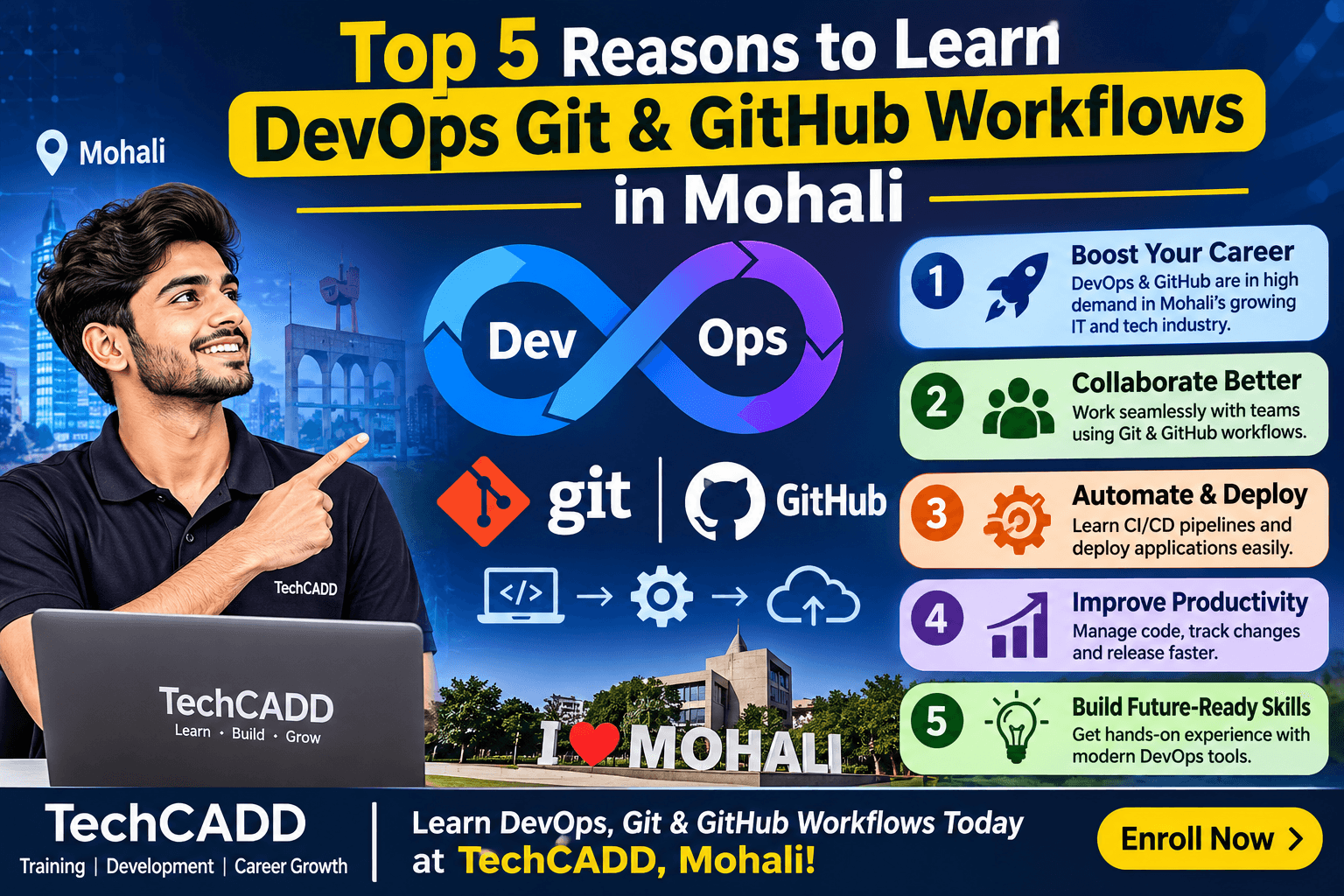
Introduction to DevOps Git and GitHub Workflows
Modern software development requires teams to collaborate efficiently, manage code changes and deliver applications reliably. DevOps practices help development and operations teams improve software delivery through automation, collaboration and continuous improvement. Two essential tools in this ecosystem are Git and GitHub.
Git is a distributed version control system that helps developers track changes in source code. GitHub is a collaborative platform built around Git that provides repositories, pull requests, code reviews, project management features and automation through GitHub Actions.
Learning DevOps Git and GitHub Workflows in Mohali can help students, fresh graduates and working professionals develop practical skills used in modern software development and DevOps environments.
What Are Git and GitHub Workflows?
Understanding Git
Git allows developers to maintain a history of code changes, create branches, compare versions and collaborate without constantly overwriting one another's work. It is widely used in individual development projects as well as large software teams.
Understanding GitHub
GitHub provides an online environment for hosting Git repositories and collaborating on software projects. Developers can submit pull requests, review code, manage issues and work together on shared projects.
What Are GitHub Workflows?
GitHub Actions workflows automate tasks in a software development lifecycle. A workflow can run when an event occurs, such as pushing code, opening a pull request or creating a release. Workflows can execute automated tests, build applications and support deployment processes.
Top 5 Reasons to Learn DevOps Git and GitHub Workflows
1. Build Strong Version Control Skills
Version control is one of the foundations of modern software development. Git allows developers to maintain a structured history of their code and understand how a project changes over time.
By learning Git, you can:
Track modifications made to project files.
Restore earlier versions when required.
Create branches for new features and experiments.
Compare code changes before integrating them.
Resolve conflicts when multiple developers edit the same files.
These skills are useful for developers, software testers, DevOps engineers and technical teams working on collaborative projects.
2. Improve Team Collaboration Through GitHub
Software projects often involve multiple developers working on different features. GitHub makes collaboration easier by allowing teams to share repositories, discuss changes and review contributions.
Important collaboration features include:
Repositories: Organize and store project source code.
Pull Requests: Propose changes and request feedback before merging them.
Code Reviews: Review code quality and identify potential problems.
Issues: Track bugs, tasks and feature requests.
Branch Protection: Apply rules to important branches to support controlled collaboration.
Understanding these features helps learners become comfortable with the workflows commonly used by professional software development teams.
3. Learn CI/CD Automation with GitHub Actions
Continuous Integration and Continuous Delivery or Deployment are important DevOps practices. They help teams automate software building, testing and delivery processes.
GitHub Actions enables developers to create automated workflows directly within GitHub repositories.
With GitHub Actions, you can learn to:
Run automated tests whenever code is pushed.
Build applications after approved code changes.
Check code quality using automated tools.
Trigger workflows when pull requests are created.
Automate selected deployment activities.
Manage workflow secrets and environment variables.
For example, a development team can configure a workflow to execute tests whenever a developer pushes a new change. This helps identify issues earlier in the development process.
4. Develop Practical Skills Through Real Projects
Practical experience is essential when learning DevOps tools. Working on projects helps you understand how Git, GitHub and automation workflows fit together.
Some useful beginner-friendly project ideas include:
Personal Portfolio Repository: Create a GitHub repository to manage website code and track improvements.
Team Collaboration Project: Work with multiple contributors using branches and pull requests.
Automated Testing Workflow: Configure GitHub Actions to run tests whenever code is updated.
Application Build Pipeline: Create a workflow that builds an application after a push or pull request.
Documentation Management: Maintain project documentation using version control and pull requests.
These projects can help learners demonstrate their knowledge through a practical GitHub portfolio.
5. Explore DevOps and Software Development Career Opportunities
Git and GitHub are widely used across software development and DevOps teams. Understanding these tools can strengthen your technical foundation and support preparation for roles that involve collaboration, automation and software delivery.
Potential roles to explore include:
DevOps Engineer: Work with development workflows, automation and software delivery processes.
Software Developer: Manage source code and collaborate with other developers.
Build and Release Engineer: Support application builds, versioning and release activities.
CI/CD Engineer: Help design and maintain automated integration and delivery pipelines.
Cloud Engineer: Work with cloud-based development and deployment workflows.
Site Reliability Engineer: Support reliable software delivery and operational practices.
Actual job requirements vary by employer. Advanced roles generally require additional knowledge of scripting, cloud platforms, containers, Linux, networking and infrastructure automation.
DevOps Git and GitHub Workflows Course Syllabus
Module 1: Introduction to DevOps
Understanding DevOps principles and culture
Software development lifecycle
Introduction to continuous integration and delivery
Development and operations collaboration
Overview of popular DevOps tools
Module 2: Git Fundamentals
Introduction to version control systems
Installing and configuring Git
Creating and initializing repositories
Git add, commit and status commands
Git log and diff commands
Working with local repositories
Undoing and managing changes
Module 3: Branching and Merging
Understanding Git branches
Creating and switching branches
Branch merging strategies
Handling merge conflicts
Working with feature branches
Introduction to Git rebase
Module 4: GitHub Repository Management
Creating a GitHub account and repositories
Connecting local and remote repositories
Git push, pull and fetch commands
Cloning repositories
Forking and contributing to projects
Managing repository permissions
Module 5: GitHub Collaboration Workflows
Understanding pull requests
Creating and reviewing pull requests
Code review practices
Issues and project discussions
Repository management and collaboration
Branch protection and review requirements
Module 6: GitHub Actions and CI/CD
Introduction to GitHub Actions
Understanding workflow YAML files
Events, jobs and steps
Using runners and actions
Automated testing and application builds
Managing secrets and environment variables
Workflow execution and troubleshooting
Module 7: Practical DevOps Projects
Building a collaborative GitHub repository
Creating a pull request-based workflow
Setting up automated testing
Building a basic CI pipeline
Managing project documentation
Understanding release and deployment workflows
Who Should Learn Git and GitHub Workflows?
This training can be useful for a range of learners, including:
Computer science and IT students
Fresh graduates interested in software development
Beginners planning to enter the DevOps field
Software developers who want better version control skills
System administrators exploring automation
Working professionals interested in CI/CD workflows
Basic computer knowledge is helpful. Familiarity with programming concepts can make it easier to understand repositories, source code and automated workflows.
Career Benefits of Learning Git and GitHub
Git and GitHub knowledge can support your professional development in several ways:
Improves understanding of collaborative software development.
Helps you contribute to team-based projects.
Builds a foundation for CI/CD automation.
Provides a platform to showcase projects and code contributions.
Supports learning of advanced DevOps technologies.
Helps prepare for technical interviews involving version control.
Git and GitHub are foundational tools rather than a complete DevOps skill set. Combining them with Linux, scripting, Docker, cloud computing and CI/CD concepts can help build a broader technical profile.
Why Choose DevOps Training in Mohali?
Mohali is part of the Chandigarh region's growing education and IT learning ecosystem. Learners interested in DevOps can explore structured training programmes that combine concepts with practical exercises.
When comparing training institutes in Mohali, consider the following:
Whether the syllabus includes Git fundamentals and advanced workflows.
Whether students practise using GitHub repositories and pull requests.
Whether GitHub Actions and CI/CD automation are covered.
Whether the course includes individual and collaborative projects.
Whether trainers provide practical demonstrations and troubleshooting support.
Whether career guidance and interview preparation are available.
How to Build a GitHub Portfolio as a Beginner
A well-maintained GitHub profile can help demonstrate your practical knowledge to potential employers. Start with small projects and gradually work towards more advanced workflows.
Create a professional GitHub profile.
Upload projects with clear repository names.
Write a useful README file for each project.
Use meaningful commit messages.
Practise creating branches and pull requests.
Add a GitHub Actions workflow to automate a test or build.
Keep your projects updated and organized.
Focus on explaining what each project does, which tools it uses and what you learned while building it.
Frequently Asked Questions (FAQs)
1. What is the difference between Git and GitHub?
Git is a distributed version control system used to track source code changes. GitHub is an online platform that hosts Git repositories and provides collaboration and automation features.
2. Is Git necessary for learning DevOps?
Git is an important foundational tool in DevOps because it helps teams manage source code, collaborate and connect code changes with automated build and deployment processes.
3. What are GitHub Actions?
GitHub Actions is an automation platform that allows developers to create workflows for tasks such as testing, building and deploying applications.
4. Can beginners learn Git and GitHub?
Yes. Beginners can start with basic commands such as init, add, commit, status, push and pull before moving to branching, merging and automated workflows.
5. What projects can I build after learning Git and GitHub?
You can create portfolio repositories, collaborative projects, automated testing workflows, application build pipelines and documentation management projects.
6. Does learning Git and GitHub guarantee a DevOps job?
No. These tools provide valuable foundational skills, but DevOps roles usually require additional knowledge of Linux, scripting, cloud platforms, containers, CI/CD and deployment practices.
Conclusion
Learning DevOps Git and GitHub Workflows can help you understand how modern development teams manage code, collaborate and automate software delivery. From version control and branching to pull requests and GitHub Actions, these tools provide a strong foundation for software development and DevOps learning.
If you are considering DevOps Git and GitHub Workflows training in Mohali, choose a programme that offers structured learning, hands-on practice and real project experience. Consistent practice and a well-organized GitHub portfolio can help you strengthen your technical skills and prepare for future opportunities in the IT industry.
Want this mapped to your own background and goals?
Talk to a counsellorMore on the blog
Why Cybersecurity & VAPT Skills Are in High Demand Across Indian IT Hubs in 2026
Discover why cybersecurity and VAPT skills are increasingly important across Indian IT hubs in 2026. Explore industry demand, essential tools, career opportunities, practical projects and the skills aspiring security professionals need to build a career.
Red Team vs Blue Team vs SOC Analyst: Cybersecurity Job Roles Explained
Understand the differences between Red Team, Blue Team and SOC Analyst roles in cybersecurity. Explore their responsibilities, skills, tools, certifications, practical projects, career paths and how beginners can choose the right cybersecurity specialisation.

Comments
No comments yet — yours would be the first.