


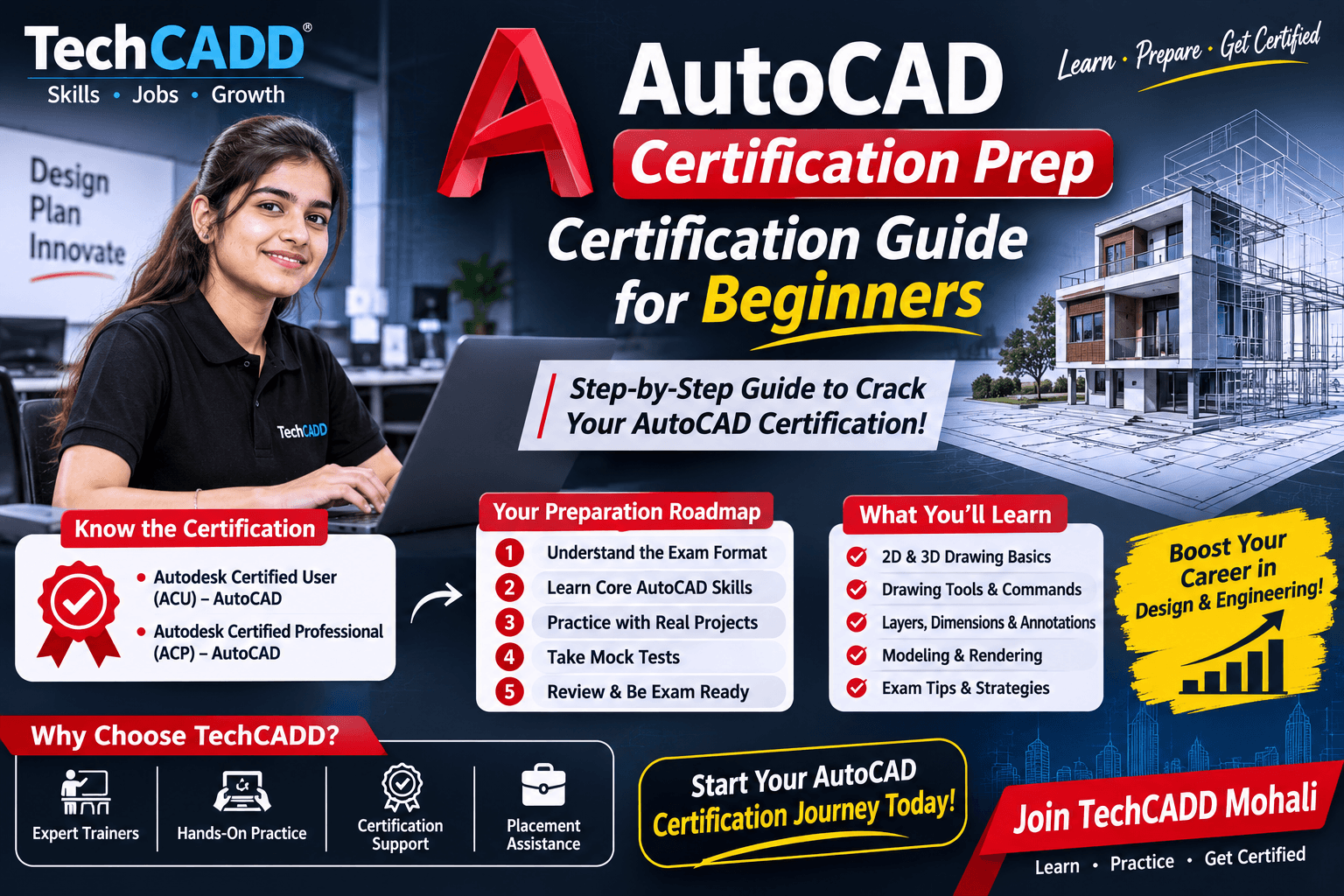
AutoCAD Certification Prep: Certification Guide for Beginners
Computer-Aided Design (CAD) has become an important part of architecture, engineering, construction and product design. Professionals use CAD software to create accurate technical drawings, layouts and design models. AutoCAD is one of the widely used applications in this field, making it a useful skill for students and aspiring design professionals.
For beginners, preparing for an AutoCAD certification can provide a structured way to understand the software and evaluate their technical knowledge. However, certification preparation involves more than memorizing commands. Learners need practical drawing experience, an understanding of drafting standards and the ability to complete design tasks accurately.
This guide explains the basics of AutoCAD certification preparation, the skills beginners should develop, practical exercises, exam preparation strategies and career opportunities.
What Is AutoCAD Certification?
AutoCAD certification is a credential that can demonstrate a person's knowledge of AutoCAD software and relevant design workflows. Certification programs may assess the ability to create, modify, organize and manage technical drawings.
Autodesk provides official certification pathways for eligible products and professional roles. Beginners should review the current certification options, exam objectives, eligibility conditions and examination requirements on the official Autodesk website before registering.
Why Should Beginners Consider AutoCAD Certification?
1. Demonstrates Software Knowledge
A relevant certification can help demonstrate familiarity with AutoCAD tools and workflows. It can provide additional evidence of software knowledge when applying for suitable entry-level opportunities.
2. Builds Technical Drawing Skills
Preparing for certification encourages learners to practise creating accurate drawings, organizing layers, applying dimensions and managing layouts.
3. Supports Professional Development
Structured learning can help beginners build confidence with CAD software and develop skills relevant to technical design environments.
4. Encourages Practical Learning
Working through drawing exercises helps learners understand how commands and drafting concepts are applied to actual design tasks.
Essential AutoCAD Skills You Should Learn
1. Understanding the AutoCAD Interface
Start by becoming familiar with the AutoCAD workspace. Learn how to use the ribbon, command line, drawing area, toolbars, properties panel and status bar.
Understand the workspace and drawing environment.
Learn how to enter and execute commands.
Use coordinate systems and drawing aids.
Navigate drawings through zoom and pan tools.
Customize basic workspace settings.
2. Basic Drawing Commands
Drawing commands form the foundation of AutoCAD. Beginners should practise creating accurate geometric objects.
LINE and PLINE for creating lines and polylines.
CIRCLE and ARC for curved geometry.
RECTANGLE and POLYGON for geometric shapes.
HATCH for applying patterns to enclosed areas.
OFFSET for creating parallel geometry.
3. Editing and Modification Tools
Editing tools help users modify drawings efficiently without recreating objects.
MOVE and COPY.
ROTATE and SCALE.
TRIM and EXTEND.
FILLET and CHAMFER.
MIRROR and ARRAY.
STRETCH and BREAK.
4. Layers and Object Properties
Layers help organize drawing elements according to their purpose. They make complex drawings easier to manage and edit.
Create and rename layers.
Assign colours and line types.
Control line weights.
Manage layer visibility and locking.
Understand object properties and layer standards.
5. Dimensions and Annotation
Technical drawings need clear measurements and labels. Learn how to apply dimensions and annotations consistently.
Linear and aligned dimensions.
Angular and radius dimensions.
Text styles and annotation settings.
Leaders and multileaders.
Dimension styles and precision.
6. Blocks and Reusable Components
Blocks allow users to combine multiple drawing objects into reusable components. They are useful for repeated elements such as doors, furniture symbols and mechanical components.
Create and insert blocks.
Edit existing blocks.
Understand block attributes.
Use reusable drawing components.
7. Layouts and Plotting
Learn how to prepare drawings for printing and sharing. Layouts and plotting settings help produce professional drawing sheets.
Understand Model Space and Paper Space.
Create and manage viewports.
Set drawing scales.
Configure paper sizes and plot settings.
Export drawings to PDF.
Understanding the AutoCAD Certification Preparation Process
A structured preparation plan can help beginners cover important topics systematically.
Step 1: Identify the Appropriate Certification
Research the current Autodesk certification options and choose one that matches your experience level and career objectives. Review the official exam objectives before starting preparation.
Step 2: Understand the Exam Topics
Make a checklist of the software skills and drawing concepts included in the relevant examination. Organize your learning around these topics rather than studying commands randomly.
Step 3: Practise Core Commands
Spend time using drawing, modification, annotation and layer-management tools. Practise completing tasks without depending entirely on step-by-step instructions.
Step 4: Complete Timed Exercises
Set a time limit for selected drawing exercises. This helps improve command familiarity, accuracy and task management.
Step 5: Review Your Mistakes
Check drawings for incorrect dimensions, overlapping geometry, inconsistent layers and plotting problems. Understand why errors occur and practise correcting them.
Step 6: Take Practice Assessments
Use suitable practice resources and sample exercises to identify areas that need improvement. Make sure your preparation materials match the current certification objectives.
Practical Projects for AutoCAD Beginners
Practical projects are important because they help learners apply software commands to realistic design tasks.
1. 2D Floor Plan
Create a basic residential floor plan with walls, doors, windows, room labels and dimensions. Practise using layers and accurate measurements.
2. Mechanical Component Drawing
Prepare a technical drawing of a simple mechanical component. Use geometric construction, dimensions, centre lines and annotation tools.
3. Furniture Layout
Design a room layout with furniture symbols and reusable blocks. Organize the drawing using appropriate layers.
4. Electrical Layout
Create a basic electrical drawing showing lighting points, switches and electrical symbols. Use consistent annotations and symbols.
5. Printable Drawing Sheet
Prepare a professional drawing sheet using layouts, viewports, title blocks, scales and PDF plotting settings.
Common AutoCAD Certification Preparation Mistakes
Memorizing commands without understanding their purpose.
Ignoring coordinate systems and drawing accuracy.
Practising only simple drawings.
Not learning layer management and object properties.
Ignoring annotation and dimension settings.
Failing to practise layouts and plotting.
Using outdated study material without checking current exam objectives.
Skipping timed practical exercises.
Career Opportunities After Learning AutoCAD
AutoCAD knowledge can support several technical design and drafting career paths. Actual eligibility depends on education, practical skills, industry requirements and work experience.
1. CAD Drafter
Creates and modifies technical drawings according to project requirements and design instructions.
2. AutoCAD Designer
Uses AutoCAD tools to develop layouts, plans and technical design documentation.
3. Architectural Draftsperson
Assists with architectural drawings, floor plans, elevations and construction documentation.
4. Mechanical Draftsperson
Prepares mechanical drawings and component documentation using drafting tools and technical standards.
5. Civil CAD Technician
Supports civil engineering projects through site plans, layouts and technical drawings.
6. Design Assistant
Supports design teams with drawing updates, documentation, revisions and file management.
How to Build a Strong AutoCAD Portfolio
A portfolio gives employers an opportunity to review your practical drafting abilities. Include a selection of well-organized projects that demonstrate different software skills.
Include 2D drawings and layouts.
Show dimensioning and annotation examples.
Include projects using multiple layers.
Provide examples of blocks and reusable components.
Add properly prepared PDF drawing sheets.
Explain the objective and tools used for each project.
Make sure all portfolio drawings are your own work or that you have permission to share them.
How to Choose AutoCAD Training in Mohali
Beginners exploring AutoCAD training in Mohali should compare institutes based on curriculum, practical learning and trainer support.
Check whether the course covers essential 2D drafting tools.
Ask about layers, dimensions, blocks and layouts.
Review the amount of practical drawing work.
Check whether learners complete portfolio projects.
Ask about trainer experience and doubt-clearing support.
Understand the certification preparation guidance offered.
Confirm course fees, duration and placement assistance terms.
TechCadd Mohali is one option learners can explore when comparing CAD training opportunities. Review its current AutoCAD syllabus, practical training structure and certification guidance directly before enrolling.
Frequently Asked Questions
1. Is AutoCAD certification suitable for beginners?
Beginners can work towards an appropriate certification after learning the basic interface, drawing commands, editing tools, dimensions and drafting concepts. Always check the prerequisites of the specific certification.
2. Do I need drawing experience before learning AutoCAD?
Prior technical drawing experience can be helpful, but beginners can start with basic drafting principles and gradually develop their software skills.
3. How should I prepare for an AutoCAD certification exam?
Review the official exam objectives, practise relevant commands, complete practical drawings and use appropriate sample exercises to evaluate your progress.
4. Does AutoCAD certification guarantee a job?
No. Certification can demonstrate software knowledge, but employment also depends on practical skills, education, portfolio quality and employer requirements.
5. Can AutoCAD skills be used in architecture and engineering?
Yes. AutoCAD is used in various technical fields, including architecture, civil engineering, mechanical design and electrical drafting.
6. Where can I find official AutoCAD certification information?
Visit Autodesk's official certification website to review current certification options, exam details, eligibility and preparation resources.
Conclusion
AutoCAD certification preparation can help beginners develop structured knowledge of technical drawing and CAD software. By learning drawing commands, editing tools, layers, dimensions, blocks and plotting workflows, learners can build a useful foundation for technical design work.
Focus on practical exercises, review current certification objectives and develop a portfolio that demonstrates your abilities. If you are considering AutoCAD training in Mohali, compare the curriculum and hands-on learning opportunities carefully before enrolling.
Consistent practice and a strong understanding of drafting fundamentals can help you prepare for certification and explore opportunities in CAD drafting and design.
Want this mapped to your own background and goals?
Talk to a counsellorMore on the blog
Why Cybersecurity & VAPT Skills Are in High Demand Across Indian IT Hubs in 2026
Discover why cybersecurity and VAPT skills are increasingly important across Indian IT hubs in 2026. Explore industry demand, essential tools, career opportunities, practical projects and the skills aspiring security professionals need to build a career.
Red Team vs Blue Team vs SOC Analyst: Cybersecurity Job Roles Explained
Understand the differences between Red Team, Blue Team and SOC Analyst roles in cybersecurity. Explore their responsibilities, skills, tools, certifications, practical projects, career paths and how beginners can choose the right cybersecurity specialisation.

Comments
No comments yet — yours would be the first.