


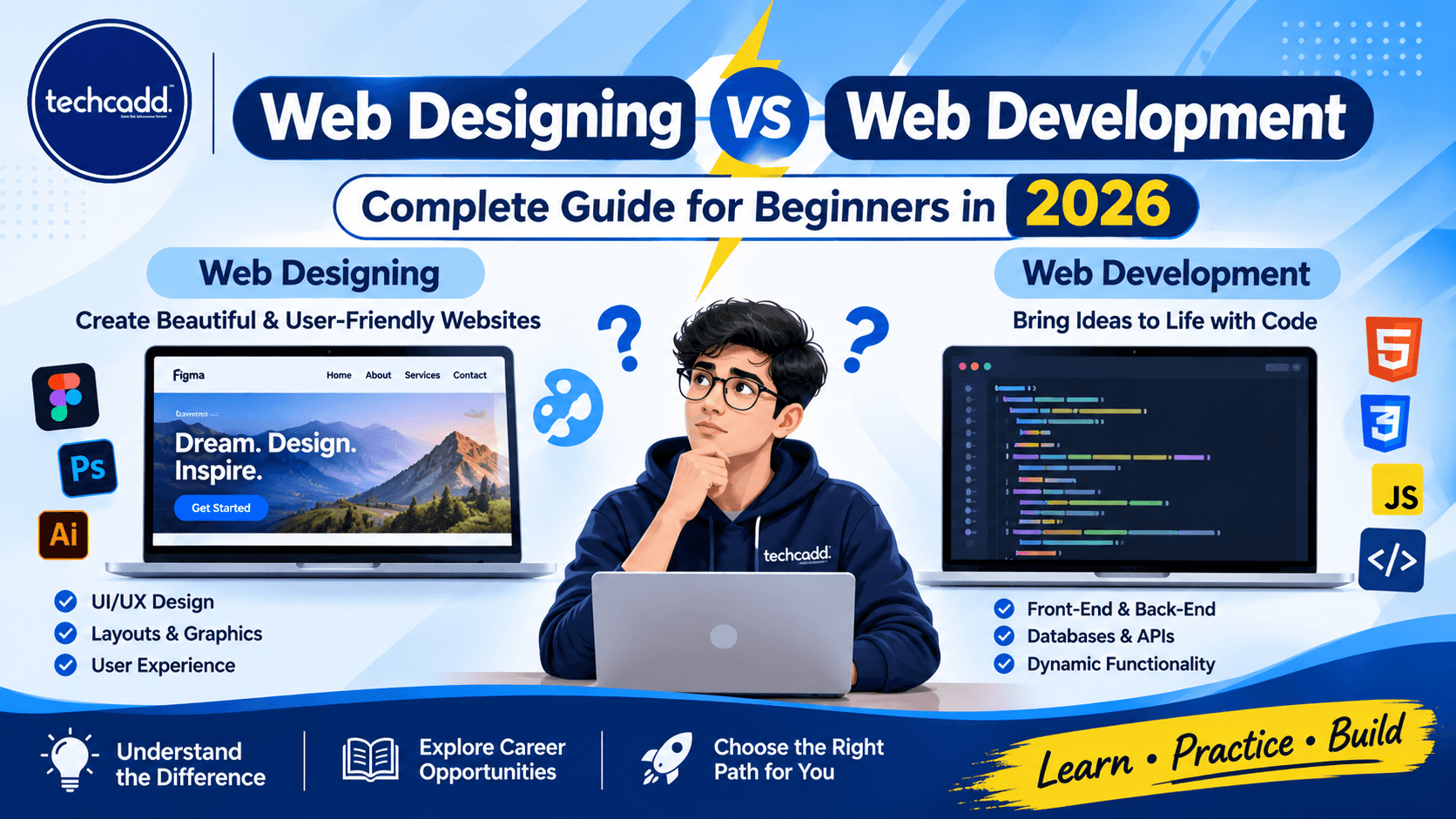
Web Designing vs Web Development: Complete Guide for Beginners in 2026
Choosing a career in the technology industry can feel confusing, especially when two fields sound almost identical: web designing and web development. Both are essential for creating modern websites, but they involve different responsibilities, skills and working approaches. In 2026, businesses continue to rely on websites and web applications to connect with customers, deliver services and support their operations.
If you are a student, recent graduate or beginner exploring a career in technology, understanding the difference between web designing and web development can help you choose the right learning path. This guide explains their roles, tools, technical requirements, career opportunities and how to get started.
1. What Is Web Designing?
Web designing focuses on the visual appearance, layout and user experience of a website. A web designer plans how information, images, buttons, menus and other elements should appear on a screen. The objective is to create websites that look attractive, communicate clearly and are easy to navigate.
Web designers consider the needs of visitors and create layouts that work across desktop computers, tablets and smartphones.
Important Responsibilities of a Web Designer
Planning website layouts and page structures
Choosing colours, typography and visual elements
Creating wireframes and design prototypes
Designing responsive website interfaces
Improving navigation and user experience
Maintaining visual consistency across pages
2. What Is Web Development?
Web development involves building, coding, testing and maintaining websites or web applications. Developers convert design concepts into functional digital experiences using programming languages, frameworks, databases and development tools.
Depending on the role, a developer may work on the visual frontend, server-side backend or both sides of an application.
Important Responsibilities of a Web Developer
Writing and maintaining website code
Creating interactive website features
Developing frontend and backend functionality
Connecting websites with databases and APIs
Testing and debugging applications
Improving performance, security and reliability
3. Web Designing vs Web Development: Key Differences
BasisWeb DesigningWeb Development
Main focusVisual appearance and user experienceFunctionality and programming
Primary workLayouts, colours and prototypesCoding and application building
Common toolsFigma, Photoshop and design toolsVS Code, Git and frameworks
Core skillsCreativity and UI/UX principlesProgramming and problem-solving
Typical outputWebsite design and prototypesWorking websites and applications
Example rolesWeb Designer, UI DesignerFrontend, Backend and Full Stack Developer
Although these fields have different primary responsibilities, they often work together. Designers plan the user interface, while developers implement the design and make the website functional.
4. Skills Required for Web Designing
Web designing is suitable for people interested in creativity, visual communication and user experience. You do not necessarily need advanced programming knowledge to begin learning design, although understanding basic HTML and CSS can be beneficial.
Essential Web Designing Skills
UI Design: Understanding how to create clear and attractive interfaces.
UX Principles: Designing experiences that are easy to understand and navigate.
Typography: Selecting readable fonts and suitable text hierarchy.
Colour Theory: Using colours consistently and effectively.
Responsive Design: Planning layouts for different screen sizes.
Wireframing: Creating basic page structures before detailed designs.
5. Skills Required for Web Development
Web development requires logical thinking, problem-solving and an understanding of programming concepts. Beginners can start with frontend technologies and gradually progress towards backend development.
Essential Web Development Skills
HTML: Creating the structure of web pages.
CSS: Styling website layouts and visual elements.
JavaScript: Adding dynamic behaviour and interactivity.
React.js: Building component-based frontend applications.
Node.js: Running JavaScript on the server side.
Databases: Storing and managing application information.
Git and GitHub: Tracking code changes and collaborating.
6. Popular Tools Used in Web Designing
Designers use specialized tools to plan interfaces, create prototypes and prepare visual assets.
Figma: Interface design, wireframing and prototyping.
Adobe Photoshop: Image editing and graphic preparation.
Adobe Illustrator: Vector graphics and illustrations.
Canva: Basic graphics and visual content creation.
7. Popular Technologies Used in Web Development
Developers use different languages, frameworks and tools depending on the type of application they are building.
HTML5 and CSS3: Website structure and styling.
JavaScript: Interactive functionality.
React.js: Modern frontend development.
Node.js and Express.js: Backend development and APIs.
MongoDB and MySQL: Database management.
Git and GitHub: Version control and collaboration.
VS Code: Code editing and development.
8. Career Opportunities in Web Designing
People with web designing skills can explore different roles depending on their interests, portfolio and experience.
Web Designer
UI Designer
UX Designer
Visual Designer
Web Design Specialist
UI/UX Design Intern
Building a portfolio with website layouts, mobile interfaces, wireframes and prototypes can help demonstrate your design abilities to potential employers.
9. Career Opportunities in Web Development
Web development offers several technical career paths. Beginners can specialize in frontend programming, backend programming or full stack application development.
Frontend Developer
Backend Developer
Full Stack Developer
React.js Developer
Node.js Developer
Web Application Developer
Practical projects, programming knowledge and familiarity with development workflows can help candidates prepare for entry-level opportunities.
10. Which Field Is Better for Beginners in 2026?
There is no single answer because the right choice depends on your interests and strengths.
Choose Web Designing If:
You enjoy creativity and visual problem-solving.
You are interested in layouts, colours and typography.
You like planning how users interact with websites.
You want to explore UI and UX design.
Choose Web Development If:
You enjoy coding and logical problem-solving.
You want to build functional websites and applications.
You are interested in programming languages and databases.
You enjoy debugging and developing technical solutions.
You can also learn both areas. Understanding design principles alongside coding can help you build more user-friendly websites and communicate effectively with designers and developers.
11. Beginner Learning Roadmap for Web Designing
Follow these steps to develop a foundation in web designing:
Learn design principles, colours and typography.
Understand website layouts and visual hierarchy.
Practise wireframing and prototyping with Figma.
Explore responsive design for mobile and desktop.
Recreate sample website interfaces for practice.
Build a portfolio of original design projects.
12. Beginner Learning Roadmap for Web Development
A structured learning approach can help beginners understand web technologies progressively.
Start with HTML and website structure.
Learn CSS, Flexbox, Grid and responsive layouts.
Practise JavaScript fundamentals and DOM manipulation.
Build interactive projects using JavaScript.
Learn React.js and component-based development.
Explore Node.js, Express.js and database integration.
Use GitHub and deploy your completed applications.
13. Practical Projects for Beginners
Projects help learners apply concepts and demonstrate their skills.
Web Designing Project Ideas
Personal portfolio website design
Restaurant homepage and menu interface
College admission landing page
Mobile shopping app prototype
Web Development Project Ideas
To-do list application
Student management system
Weather information application using an API
E-commerce website with cart functionality
Blog application with database integration
14. Importance of Practical Training
Learning through practical assignments can help beginners understand how design and development concepts are applied in real projects. Structured training may provide guidance, coding exercises, project experience and exposure to commonly used tools.
Students exploring web designing or web development training in Mohali can consider TechCADD Mohali. Before selecting a course, review its syllabus, practical sessions, trainer experience, project work and learning support. Choose a programme that matches your career goals and provides opportunities to practise regularly.
Frequently Asked Questions
1. Is web designing the same as web development?
No. Web designing focuses on the visual appearance and user experience of a website, whereas web development focuses on coding and implementing its functionality.
2. Can I learn web designing without coding?
Yes. Beginners can learn visual design, wireframing and prototyping without advanced coding. Basic HTML and CSS knowledge can still be useful.
3. Is web development difficult for beginners?
It can take time to understand programming concepts, but beginners can make progress through structured learning, consistent practice and small projects.
4. Which should I learn first: web designing or web development?
Choose according to your interests. Start with design fundamentals if you enjoy creativity, or HTML, CSS and JavaScript if you want to explore programming.
5. Can one person become both a web designer and developer?
Yes. Learning UI/UX design along with frontend and backend development can help you work across different stages of website creation.
Conclusion
Web designing and web development are two connected but different areas of the digital industry. Designing focuses on how a website looks and feels, while development makes its features and functionality work. Both fields offer learning opportunities for beginners in 2026.
Before choosing a career path, understand your interests, explore the required tools and practise through real projects. Whether you choose UI/UX design, frontend development or full stack programming, consistent learning and a strong portfolio can help you build a foundation for a technology career.
Want this mapped to your own background and goals?
Talk to a counsellorMore on the blog
How to Prepare a Project Report & Viva for 6 Months College Industrial Training
Learn how to prepare a professional project report and confidently face your viva after six months of college industrial training. Explore report structure, documentation tips, project presentation, common viva questions and preparation strategies.
Top 9 High-Paying Tech & Engineering Courses for 6 Months Internship in 2026
Explore 9 high-paying technology and engineering courses for a six-month internship in 2026. Compare essential skills, tools, practical projects and career opportunities to choose the right training path.

Comments
No comments yet — yours would be the first.