


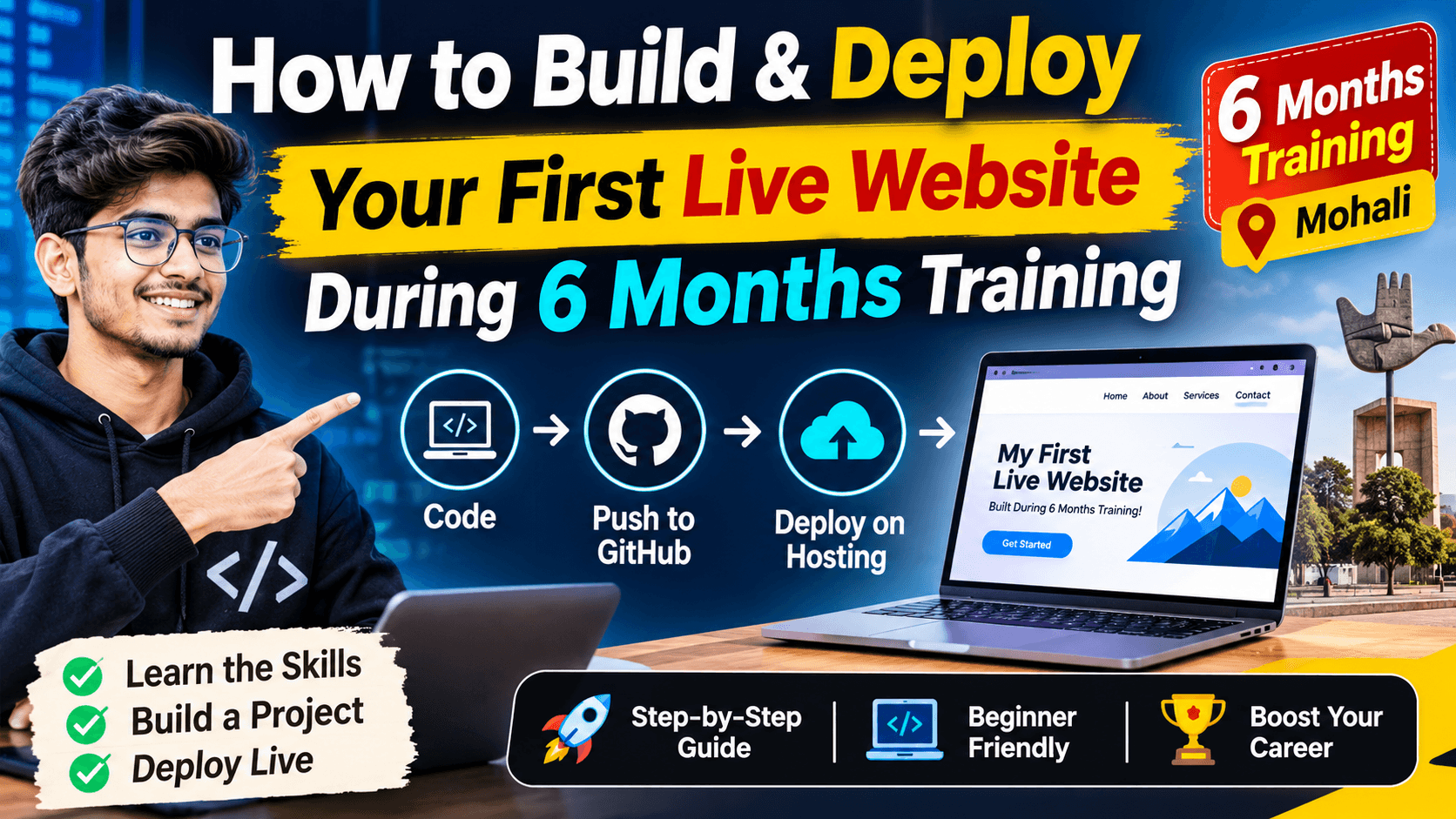
How to Build & Deploy Your First Live Website During 6 Months Training
Building your first live website is an exciting milestone for anyone starting a career in web development. It transforms programming concepts into a real digital product that people can access through the internet. During six months of industrial training, students can gradually learn website design, frontend programming, backend development, database integration and deployment.
Whether you are a B.Tech, BCA, MCA student or a beginner interested in technology, developing and launching a website can help you understand the complete web development process. This guide explains how to plan, build, test and deploy your first live website through a structured six-month learning journey.
1. Understand How a Website Works
Before writing code, understand the basic components of a website. Most modern websites involve a frontend, backend, database and hosting environment.
Frontend: The visual part of a website that visitors interact with.
Backend: Handles application logic, user requests and server-side operations.
Database: Stores information such as user accounts, products and records.
Hosting: Makes the website accessible through the internet.
Domain: Provides the website with a recognizable web address.
Understanding these components helps beginners see how different technologies work together to create a complete website.
2. Month 1: Learn HTML and CSS Fundamentals
The first month should focus on understanding the structure and appearance of websites. HTML creates the content structure, while CSS controls the visual presentation.
HTML Topics to Learn
HTML document structure
Headings, paragraphs and links
Images, lists and tables
Forms and input elements
Semantic HTML elements
CSS Topics to Learn
Selectors and properties
Colours, fonts and backgrounds
Margin, padding and borders
Flexbox and CSS Grid
Responsive layouts and media queries
Practice project: Build a personal portfolio homepage or a simple business website with a navigation bar, introduction section, services and contact information.
3. Month 2: Learn JavaScript and Website Interactivity
After learning HTML and CSS, move towards JavaScript. It helps transform static webpages into interactive experiences.
Important JavaScript Concepts
Variables, data types and operators
Functions, arrays and objects
Conditional statements and loops
DOM manipulation and events
Promises and async/await
Form validation
Working with APIs and JSON
Practice project: Create a to-do list, calculator, interactive quiz or weather application using JavaScript.
These projects help students understand user interaction, application logic and dynamic webpage behaviour.
4. Month 3: Learn React.js for Modern Frontend Development
React.js is a JavaScript library used to build interactive user interfaces. It allows developers to divide an application into reusable components, making complex interfaces easier to organize.
React.js Concepts to Practise
Components and JSX
Props and state
React Hooks such as useState and useEffect
Event handling
Conditional rendering
React Router
API integration
Practice project: Develop a responsive student dashboard or product listing interface using React.js.
By the end of this stage, you should be able to create reusable components and connect your frontend interface with external data sources.
5. Month 4: Learn Backend Development and Databases
A complete website often needs server-side functionality. Backend development allows applications to process requests, manage user accounts and communicate with databases.
Backend Technologies
Node.js fundamentals
Express.js routing and middleware
REST API development
Authentication basics
Form validation and error handling
Connecting frontend and backend
Database Fundamentals
Database structure and data models
MongoDB collections and documents
CRUD operations
Database connection and queries
Data validation and security basics
Practice project: Build a student registration application with a form, backend API and database integration.
6. Month 5: Build a Complete Website Project
The fifth month is the time to combine the skills you have learned. Select a practical project and develop its frontend, backend and database functionality.
Beginner-Friendly Project Ideas
1. Personal Portfolio Website
Create a professional website to showcase your skills, projects, education and contact information.
2. Student Management System
Build an application to manage student profiles, records, attendance and academic information.
3. E-Commerce Website
Develop product pages, shopping cart functionality, user accounts and order management.
4. Job Portal
Create a platform where candidates can explore job listings and recruiters can publish opportunities.
5. College Event Website
Develop an event portal with registration forms, schedules, announcements and participant details.
Choose a project that matches your current skill level. Focus on completing the essential features before adding advanced functionality.
7. Month 6: Testing, GitHub and Live Website Deployment
The final month focuses on preparing your application for real users. A website should be tested, organized and deployed before it is shared publicly.
Step 1: Test Your Website
Check all website pages and navigation links.
Test forms and interactive features.
Check mobile and desktop responsiveness.
Identify and fix coding errors.
Review loading speed and usability.
Step 2: Upload Your Code to GitHub
GitHub helps developers store and manage source code online. Learn how to initialize a repository, commit changes, create branches and push your project to a remote repository.
Step 3: Choose a Hosting Platform
Select a hosting service according to your application architecture and technical requirements.
GitHub Pages: Suitable for static websites.
Netlify: Useful for deploying static websites and frontend projects.
Vercel: Commonly used for frontend applications, including React projects.
Render: Can host supported backend services and web applications.
Shared or PHP hosting: Useful for PHP-based websites and compatible database applications.
Step 4: Deploy Your Website
Prepare your project files and production build.
Upload your source code to GitHub.
Connect your repository to a suitable hosting platform.
Configure build commands and environment variables where required.
Deploy the application.
Open the generated website URL and test all important features.
Step 5: Connect a Custom Domain
If you have a domain name, configure its DNS records according to your hosting provider's instructions. Enable HTTPS and check that the website opens correctly using your domain.
8. Important Tools for Building and Deploying Websites
Tool or TechnologyPurpose
HTMLWebsite structure
CSSStyling and responsive layouts
JavaScriptInteractive functionality
React.jsFrontend application development
Node.jsBackend JavaScript runtime
MongoDBDatabase management
VS CodeCode editing
Git and GitHubVersion control and source code hosting
Netlify or VercelFrontend deployment
9. Common Mistakes Beginners Should Avoid
First-time developers sometimes focus too much on design or try to learn several frameworks simultaneously. A better approach is to understand fundamentals and complete smaller projects before moving to complex applications.
Copying code without understanding how it works.
Ignoring responsive design and mobile testing.
Not checking forms and website navigation.
Uploading passwords or secret API keys to public repositories.
Skipping error handling and application testing.
Deploying without checking the production build.
Ignoring website security and regular updates.
Practising regularly and fixing mistakes is an important part of becoming a confident web developer.
10. How a Live Website Helps Your Developer Portfolio
A live website gives recruiters, trainers and potential clients an opportunity to explore your work. Instead of only describing your technical knowledge, you can demonstrate a working application.
Your project portfolio should include:
Live website URL
GitHub repository link
Project description and objectives
Technologies and frameworks used
Important application features
Screenshots and setup instructions
Documenting your development process also helps you explain technical decisions during interviews and project presentations.
11. Why Six Months of Industrial Training Can Be Useful
A structured six-month industrial training programme can provide a learning environment where students practise programming concepts and work on complete projects. It can help bridge the gap between classroom learning and practical application development.
Students exploring web development training in Mohali can consider TechCADD Mohali. Before enrolling, review the course syllabus, practical sessions, trainer experience, project assignments and deployment coverage. Look for a programme that gives you opportunities to build, test and launch actual applications.
The most valuable outcome of training is not simply completing lessons. It is developing the confidence to plan, code, debug and deploy a working website independently.
Frequently Asked Questions
1. Can beginners build a live website in six months?
Yes. With consistent practice and a structured learning plan, beginners can learn website fundamentals, build a practical project and deploy a suitable website within six months. The complexity of the final application will depend on their learning pace.
2. Which programming languages should I learn first?
Start with HTML, CSS and JavaScript. Once you understand the fundamentals, explore React.js and a backend technology such as Node.js or PHP.
3. Is GitHub necessary for website deployment?
GitHub is not mandatory for every deployment method, but it is useful for version control, collaboration and connecting projects to many hosting platforms.
4. Can I deploy a React website for free?
Some hosting platforms offer free tiers for suitable frontend projects. Availability, usage limits and features depend on the provider's current plan.
5. Do I need a domain name to launch my first website?
No. Many hosting providers generate a free subdomain for deployed projects. You can purchase and connect a custom domain later.
6. What should I do after deploying my first website?
Test the live application, fix errors, improve performance, update your project documentation and add the live link to your portfolio and resume.
Conclusion
Building and deploying your first live website during six months of training is a practical way to understand the complete web development lifecycle. Start with HTML and CSS, learn JavaScript, explore React, develop backend functionality and integrate a database. Finally, use GitHub and a suitable hosting platform to make your application accessible online.
Focus on practical projects, consistent coding and proper testing throughout your learning journey. A completed live website can become an important part of your portfolio and help demonstrate your skills when exploring entry-level opportunities in web development.
Want this mapped to your own background and goals?
Talk to a counsellorMore on the blog
How to Prepare a Project Report & Viva for 6 Months College Industrial Training
Learn how to prepare a professional project report and confidently face your viva after six months of college industrial training. Explore report structure, documentation tips, project presentation, common viva questions and preparation strategies.
Top 9 High-Paying Tech & Engineering Courses for 6 Months Internship in 2026
Explore 9 high-paying technology and engineering courses for a six-month internship in 2026. Compare essential skills, tools, practical projects and career opportunities to choose the right training path.

Comments
No comments yet — yours would be the first.